Google Play Production Access Rejected: Reasons and How to Fix It
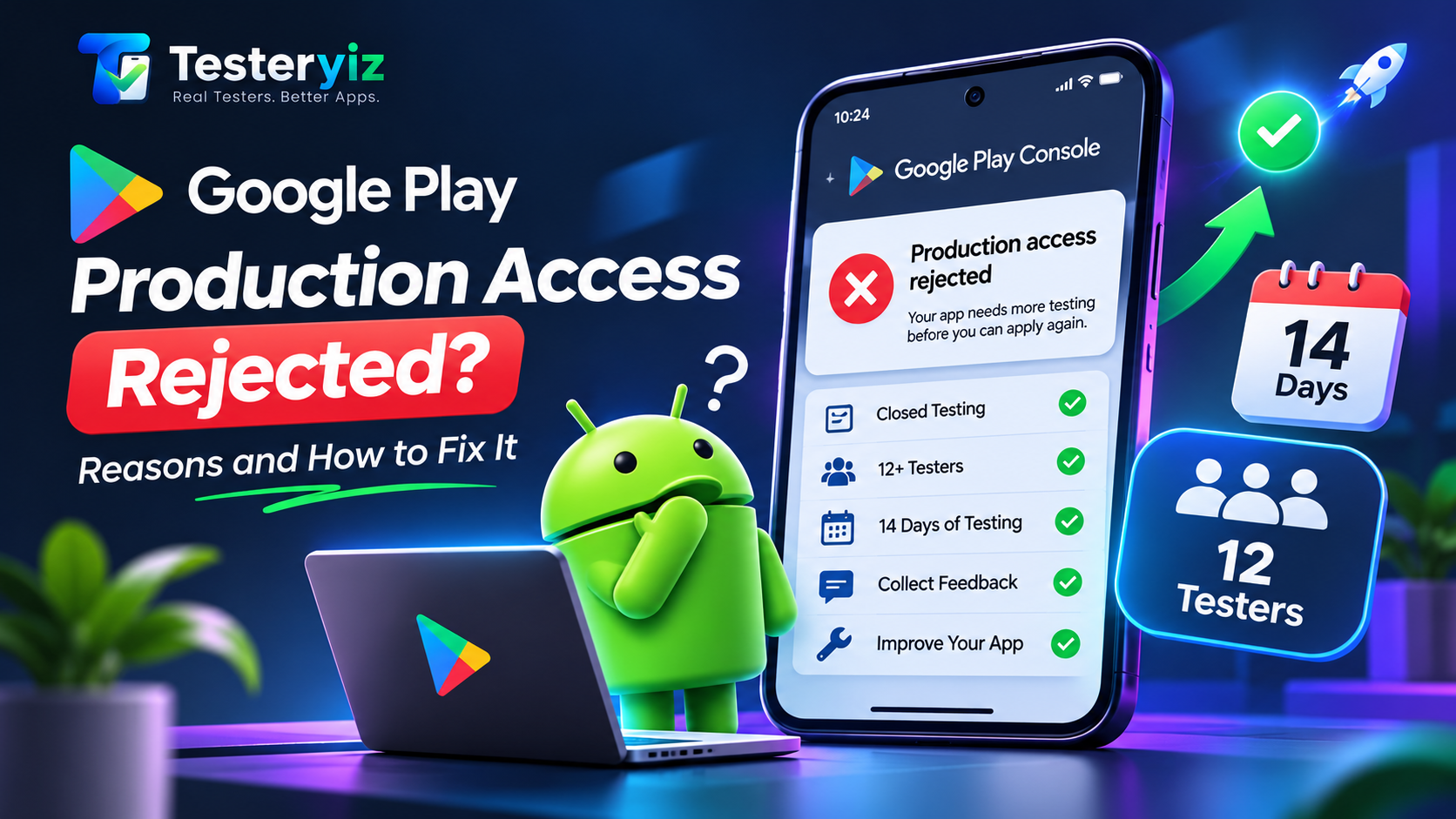
Getting your Google Play production access request rejected can be frustrating, especially after completing the required closed testing period. You may have recruited testers, shared your app, and waited for 14 days, only to receive a notification saying that your app needs more testing.
The good news is that a rejected production access application does not necessarily mean your app has a permanent problem. In many cases, you need to improve your testing process, collect meaningful feedback, make necessary improvements, and submit a stronger application.
In this guide, we will explain the common reasons behind Google Play production access rejection, how to understand the rejection message, and what you can do before applying again.
What Is Google Play Production Access?
Google Play production access allows developers to publish their apps publicly on the Google Play Store.
For certain new personal developer accounts, Google requires developers to complete a closed testing process before they can apply for production access.
According to Google's current testing requirements, personal developer accounts created after November 13, 2023, must:
- Run a closed test with at least 12 testers.
- Keep those testers opted in continuously for at least 14 days.
- Apply for production access through the Play Console Dashboard.
- Answer questions about the testing process, app functionality, and production readiness.
Completing the minimum testing requirement makes your app eligible to apply. However, it does not guarantee approval. Google also evaluates whether your app has been tested meaningfully and is ready for public users.
Important: These specific testing requirements apply to eligible personal developer accounts. Check Google's official documentation to determine whether they apply to your account.
Why Was My Google Play Production Access Rejected?
There is no single reason for every rejection. Google may determine that an app needs additional testing based on the information provided and the testing activity.
Here are the most important areas to review.
1. Insufficient Tester Engagement
Having 12 testers opted in does not automatically demonstrate that your app received meaningful testing.
Google may require additional testing if it finds insufficient tester engagement during the closed testing period.
For example, testers may have joined the testing programme but provided very little feedback or interaction with the app.
How to fix it:
- Recruit testers who match your app's target audience.
- Ask testers to explore the main features.
- Encourage them to report bugs and usability problems.
- Collect feedback throughout the testing period.
- Keep a record of issues and suggestions.
- Make improvements based on genuine feedback.
The objective is to demonstrate that real people tested your app and helped you evaluate its quality.
2. Fewer Than 12 Testers Remained Opted In
For eligible personal developer accounts, Google requires at least 12 testers to remain opted in continuously for the 14 days immediately preceding the production access application.
If some testers leave the programme during this period, your eligible tester count may fall below the required minimum.
How to fix it:
- Open Google Play Console.
- Navigate to your closed testing track.
- Check the number of opted-in testers.
- Confirm that at least 12 testers remain opted in.
- Monitor participation throughout the testing period.
- Apply only after the required conditions are met.
Do not assume that inviting 12 people is enough. Check the actual opted-in tester count in Play Console.
3. Weak or Incomplete Production Access Answers
When applying for production access, Google asks questions about your closed test, your app, and its readiness for production.
Your answers help Google understand what you tested, what you learned, and why you believe the app is ready.
Short, vague, or incomplete answers may fail to communicate the quality of your testing process.
How to fix it:
Provide clear and accurate information about:
- How you recruited testers.
- Whether testers represented your intended audience.
- Which features they tested.
- What feedback you received.
- What improvements you made.
- How you evaluated the app's production readiness.
Avoid generic statements such as "Everything works perfectly." Explain what you actually tested and what you learned.
4. No Clear Improvements Based on Tester Feedback
One of the important parts of the production access application is explaining what changes you made based on your closed testing experience.
If testers reported problems, explain how you investigated and addressed them.
For example:
- Improved navigation after receiving usability feedback.
- Fixed a login issue reported by testers.
- Improved loading performance.
- Corrected an issue affecting a particular device.
- Updated instructions to make a feature easier to understand.
Not every app will require major changes. However, your answers should accurately describe what you learned and how you evaluated the feedback.
Never invent feedback or claim that you fixed problems that did not exist.
5. The App Is Not Ready for Public Users
A technically complete app may still have usability or reliability problems.
Before applying for production access, evaluate whether a new user can install and use your app without encountering significant problems.
Check the following:
- Are all major features working?
- Does the app crash on common devices?
- Are important screens loading correctly?
- Does the login or registration process work?
- Are there broken buttons or navigation links?
- Is the user experience understandable?
- Does the app behave as described in its store listing?
How to fix it:
Use your closed testing period to identify and resolve issues. Run additional functional tests and review available Play Console testing reports before applying again.
6. Missing or Inaccurate App Information
Your app's store listing and Play Console declarations should accurately represent what the app does.
Incorrect or incomplete information can create separate Google Play policy problems.
Review these areas:
- App description and screenshots.
- App category and content rating.
- Target audience and age settings.
- Data safety information.
- Privacy policy.
- App permissions.
- Advertising and monetization declarations.
Remember that a production access rejection and a policy-based app rejection are not necessarily the same issue. Check the exact message in Play Console before deciding what to fix.
How to Fix Google Play Production Access Rejection: Step-by-Step Guide
If your production access request has been rejected, follow these steps before submitting another application.
Step 1: Read the Rejection Message Carefully
Open your Google Play Console Dashboard and review the production access notification.
Identify whether Google has mentioned:
- Insufficient tester engagement.
- Fewer than 12 opted-in testers.
- A need for additional testing.
- Concerns about your app's readiness.
Use the actual rejection message as your starting point. Do not assume every rejection has the same cause.
Step 2: Review Your Closed Testing Track
Open your closed testing track and check the current tester participation.
Confirm that the required number of testers has remained opted in continuously for the required period.
If your tester count has dropped below 12, recruit additional testers and ensure the requirement is met again before applying.
Step 3: Collect Genuine Tester Feedback
Ask testers to use the app naturally and report their experience.
Useful feedback may include:
- Features that are difficult to understand.
- Unexpected errors.
- Performance problems.
- Missing functionality.
- Navigation difficulties.
- Suggestions for improving the user experience.
Keep track of the feedback you receive. You can use it when completing the production access application.
Step 4: Improve Your App
Review the feedback and decide which issues need attention.
Fix important bugs, improve usability, and test the updated version.
You should also check that the app works correctly on different supported devices and Android versions.
Step 5: Complete the Production Access Application Carefully
When the app is ready, open the Dashboard and select Apply for production.
Google's application includes three main sections:
- About your closed test: Explain your tester recruitment and testing experience.
- About your app/game: Provide information about your app and its intended users.
- About your production readiness: Explain what you learned, what changes you made, and how you determined that the app was ready.
Answer every question honestly and with relevant details.
Step 6: Submit and Wait for Google's Review
After submitting your application, Google reviews the information.
Google states that production access reviews usually take seven days or less, although they can occasionally take longer.
You will receive an email notification when the review is complete.
If Google requests additional testing, follow the instructions and continue improving your app before applying again.
How to Write Better Answers for the Production Access Application
Your production access answers should describe your actual testing experience. The examples below are templates to help you organize your information. Replace the bracketed sections with accurate details from your own app.
Question: How did you recruit testers for your closed test?
Example structure:
"We recruited testers through [describe your actual recruitment methods]. We selected participants who could evaluate the app's main features and provide feedback about usability, functionality, and performance."
Question: What feedback did you receive from testers?
Example structure:
"During the closed testing period, testers evaluated [list the features they actually tested]. Their feedback included [describe genuine feedback]. We reviewed the reports and identified areas that needed improvement."
Question: What changes did you make based on the feedback?
Example structure:
"Based on the feedback received, we [describe actual improvements]. We also reviewed the app's navigation, functionality, and performance to address the issues identified during testing."
Question: Why do you believe your app is ready for production?
Example structure:
"We evaluated the app's main functionality, reviewed tester feedback, and tested the updated version. We believe the app is ready for production because [explain the actual results of your testing]."
These are examples, not guaranteed approval answers. Your responses must accurately reflect your own app and testing experience.
Checklist Before Reapplying for Google Play Production Access
Use this checklist to review your app before submitting another request.
- [ ] At least 12 testers are opted in.
- [ ] The testers have remained opted in continuously for at least 14 days.
- [ ] Testers have genuinely used the app.
- [ ] Feedback has been collected and reviewed.
- [ ] Important reported issues have been addressed.
- [ ] Main app features work correctly.
- [ ] The app has been tested on supported devices.
- [ ] Store listing information is accurate.
- [ ] Privacy policy and Data safety information are reviewed.
- [ ] Production access answers are complete and truthful.
Completing this checklist can help you prepare a stronger application, but it does not guarantee approval.
Do You Need Help With Google Play Closed Testing?
Preparing an app for Google Play production can be challenging, particularly for developers who are publishing their first Android application.
A properly organized closed testing process helps you collect useful feedback, identify problems, and improve your app before public release.
Testeryiz provides Google Play closed testing support for Android developers who need help organizing their testing process.
Our service focuses on:
- 12 testers for Google Play closed testing.
- Tester onboarding and opt-in guidance.
- Testing coordination.
- Feedback collection and testing summaries.
- Support with understanding Google Play testing requirements.
If you need help organizing your app's closed testing process, visit Testeryiz to learn more about our services.
Please remember that no testing service can guarantee Google Play production access approval. Google's final decision depends on its review of your app and testing process.
Frequently Asked Questions (FAQs)
Why does Google Play reject production access?
Google may request additional testing when fewer than 12 testers remain opted in or when tester engagement is insufficient. Your application answers and the app's production readiness are also important parts of the review.
Is 12 testers for 14 days enough to get production access?
It is the minimum closed testing requirement for eligible personal developer accounts created after November 13, 2023. However, meeting the requirement does not guarantee approval. Google also evaluates the quality of testing and production readiness.
What does "More testing required" mean in Google Play Console?
It means Google determined that your app needs additional testing before it can receive production access. Review the notification and check tester participation and engagement.
How long does Google Play production access review take?
Google says the review usually takes seven days or less, but it can take longer in some cases.
Can I apply for production access again after rejection?
Yes. If Google requests additional testing, continue testing, address the issues, and apply again when your app meets the requirements.
Do I need to update my app before reapplying?
Not every app necessarily requires a major update. However, you should review genuine tester feedback, make appropriate improvements, and accurately explain what you learned during testing.
Does Google Play production access rejection mean my developer account is suspended?
No. A production access rejection is not automatically the same as a developer account suspension. Check your Play Console status and the notification to understand the actual decision.
Final Thoughts
Getting Google Play production access rejected does not mean you should give up on publishing your app. Treat the decision as an opportunity to review your testing process and improve your app.
Make sure your required testers remain opted in, collect genuine feedback, resolve important issues, and provide clear answers in your next application.
A meaningful closed testing process is more valuable than simply completing the minimum number of days. Focus on app quality and real user experience before applying again.
Need help with Google Play closed testing? Visit Testeryiz and explore our testing support services.